
If you have not already registered with our HallMaster bookign system you will need to register and create a user profile so that you can create and maintain your bookings.
Practitioner name or Organisation name?
When you first set up your user profile in HallMaster you will be asked fro your first name and surname.
Customer name in HallMaster link to website
The customer name in HallMaster is used to link your bookings in HallMAster with your Practitioner profile on our website.
By default this is your first name and surname.
If you want to be known by an organisation name you will need to see the Hallmaster
How to make a booking in HallMaster?
Here is a link to a short video on how to make bookings:
Basic booking information
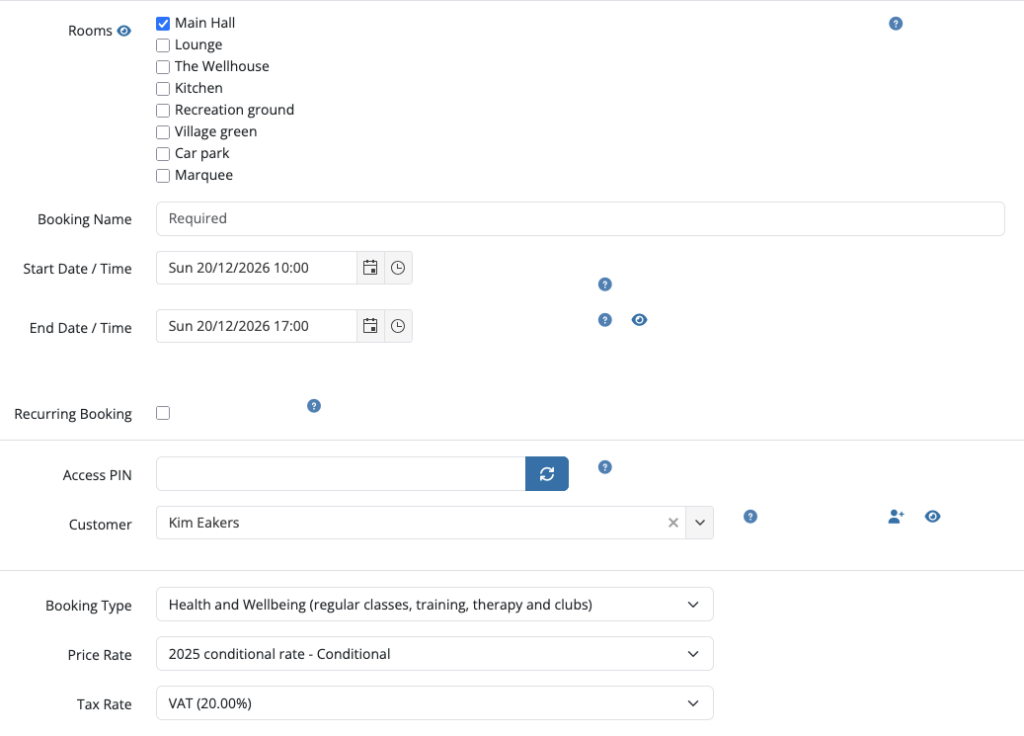
Once you have registered and signed in you can select a date from the calendar to make a booking, you will then need to specify the room (s), the booking (class name) and the start and end dates and times.
Recurring bookings
By default the booking is a one-off. If you plan to run the same class on a regular basis you can select the ‘Recurring Booking’ button and then specify the frequency and number of bookings.
Please note that for recurring bookings the description imported into our website is ‘raw text… this means there is no formatting like paragraphs or lists and you must use spaces to delineate text.
Booking details:
the next section of the booking form enables you to describe the booking:
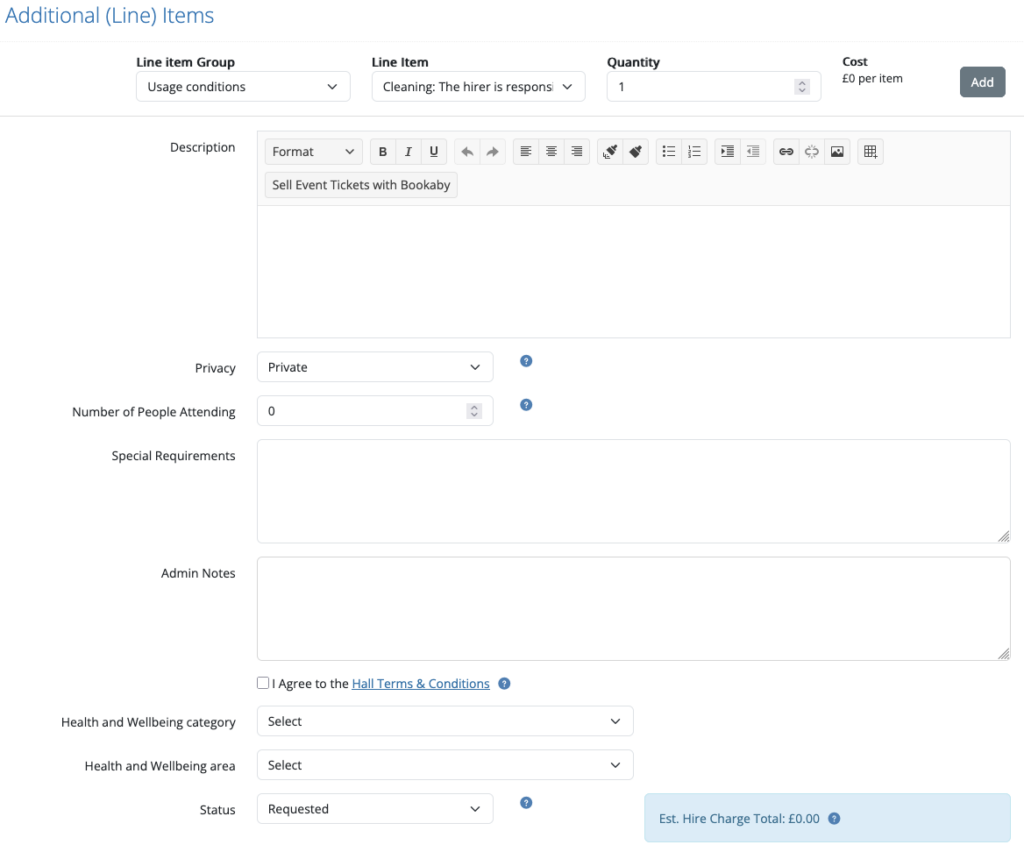
- Description: This feeds into our website
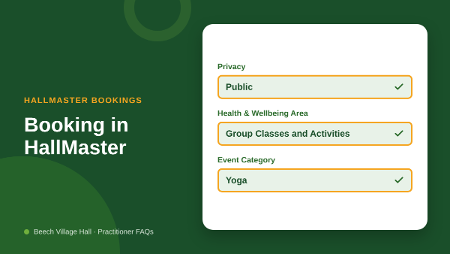
- Privacy: Only PUBLIC bookings will link to your Practitioner profile on our website.
- Health and Wellbeing category: Select ONE
- Health and Wellbeing area: Select ONE
Questions?
Search our FAQ’s
Search

How do I join the Practitioner community?
Ready to join? Click below to complete and submit our…
How do I set up my Practitioner profile?
We will set up your Practitioner profile on our website,…
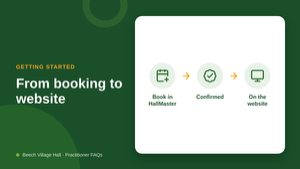
How does my class get onto the Beech Village Hall website?
Once your practitioner profile is set up, it’s automatic. You…
How to create a class in the HallMaster system?
If you have not already registered with our HallMaster bookign…
What makes a good class description?
Keep it short: most people read it on a phone….
Contact us?
Complete our contact form and specify ‘Help with space hire’ as the area: